Describe it once.Get a course worth taking.
The AI plans the course, then designs and builds every slide — games, scenarios, practice and assessment. Each one is tested in a real browser and packaged as SCORM your LMS will import.
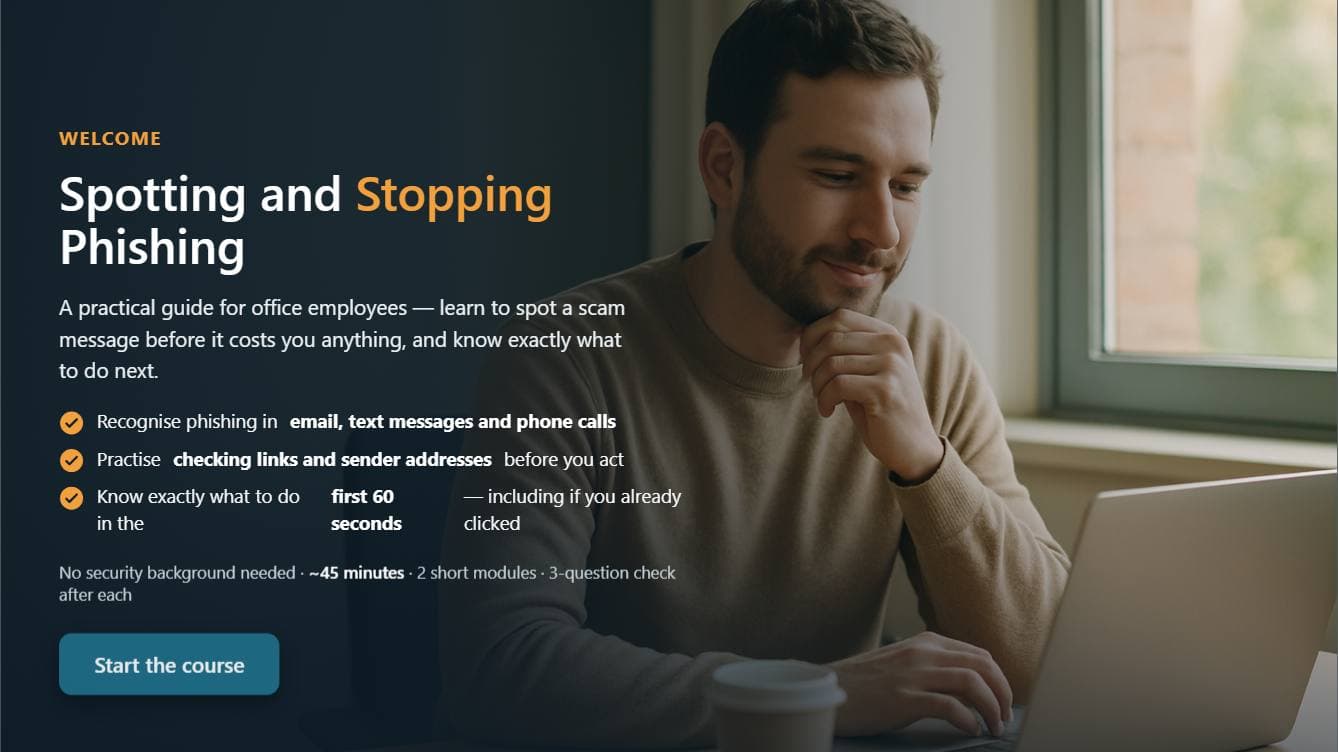
Nineteen slides. No two alike.
A phishing course for office staff: planned, designed, built and checked in 49 minutes. Nothing here came from a template — each slide was designed for the point it teaches.
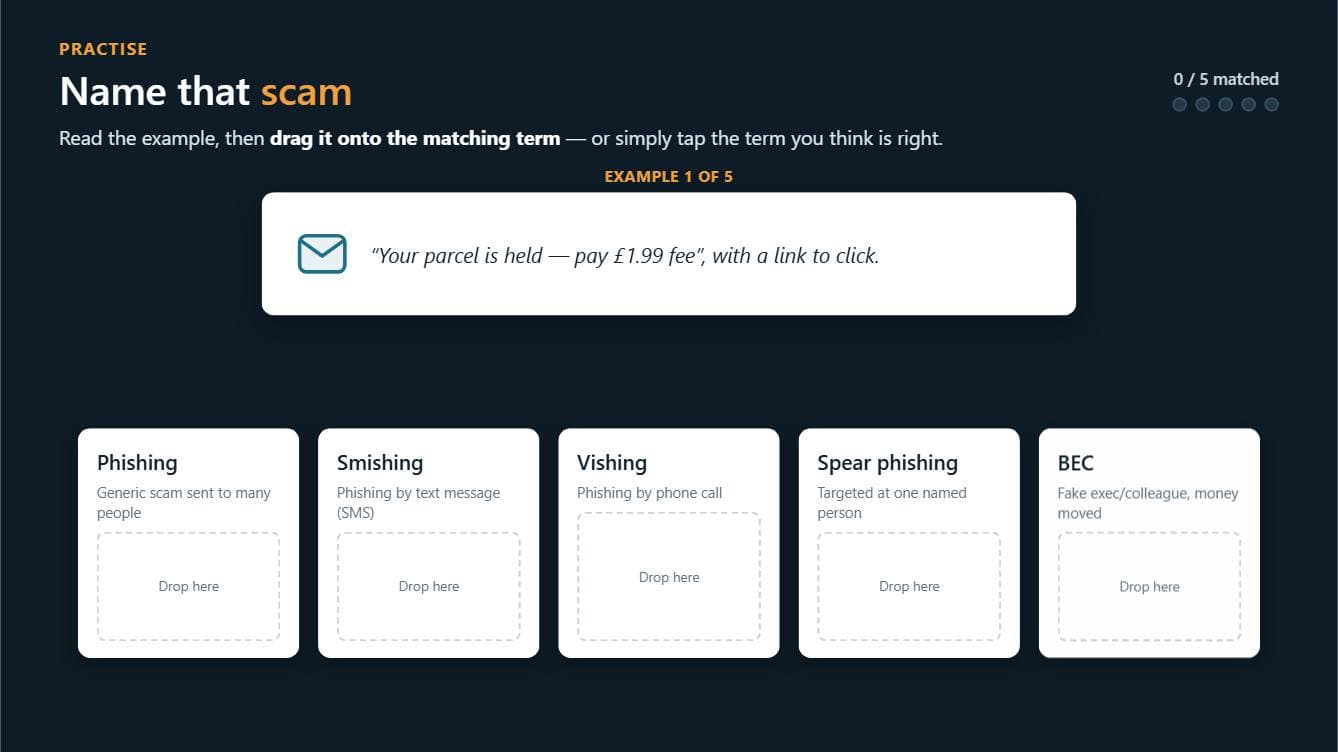
Drag-to-match game Five scam snippets, dropped onto the term that names them.
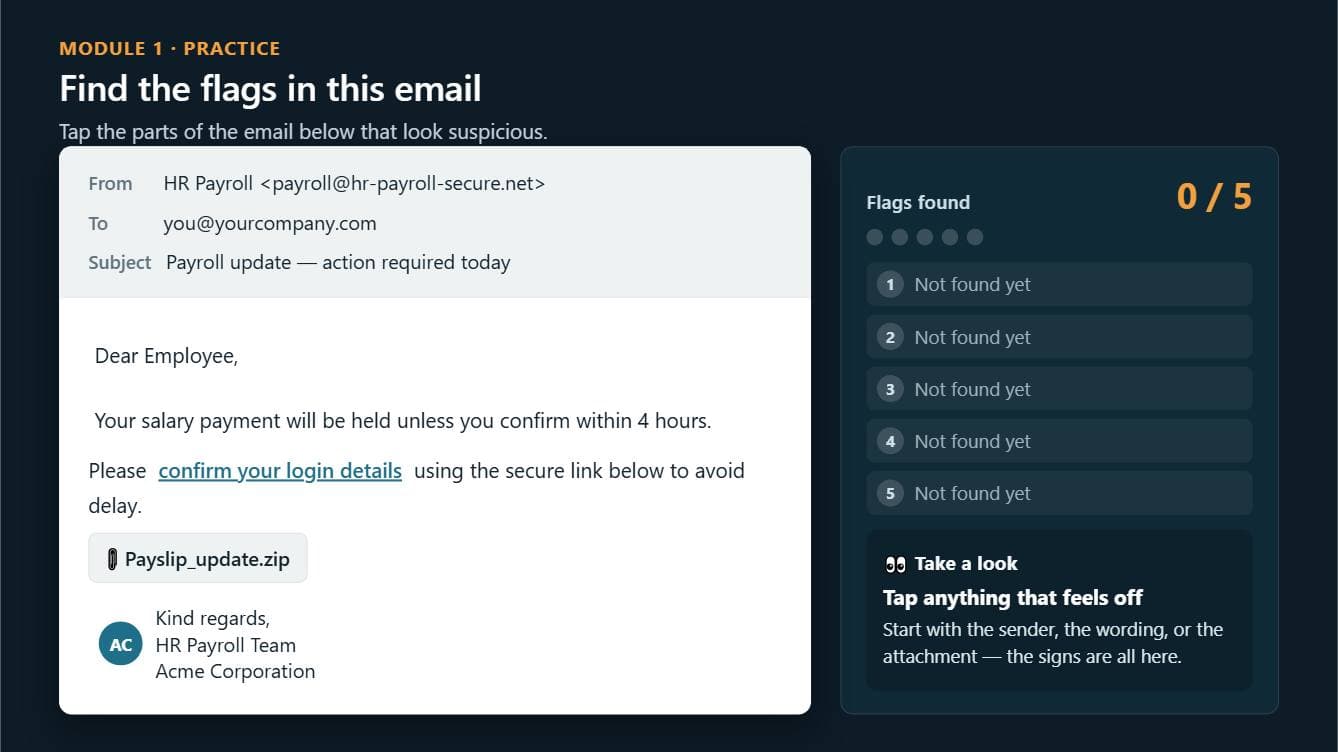
Find the red flags Tap the suspicious parts of a message that looks like the real thing.
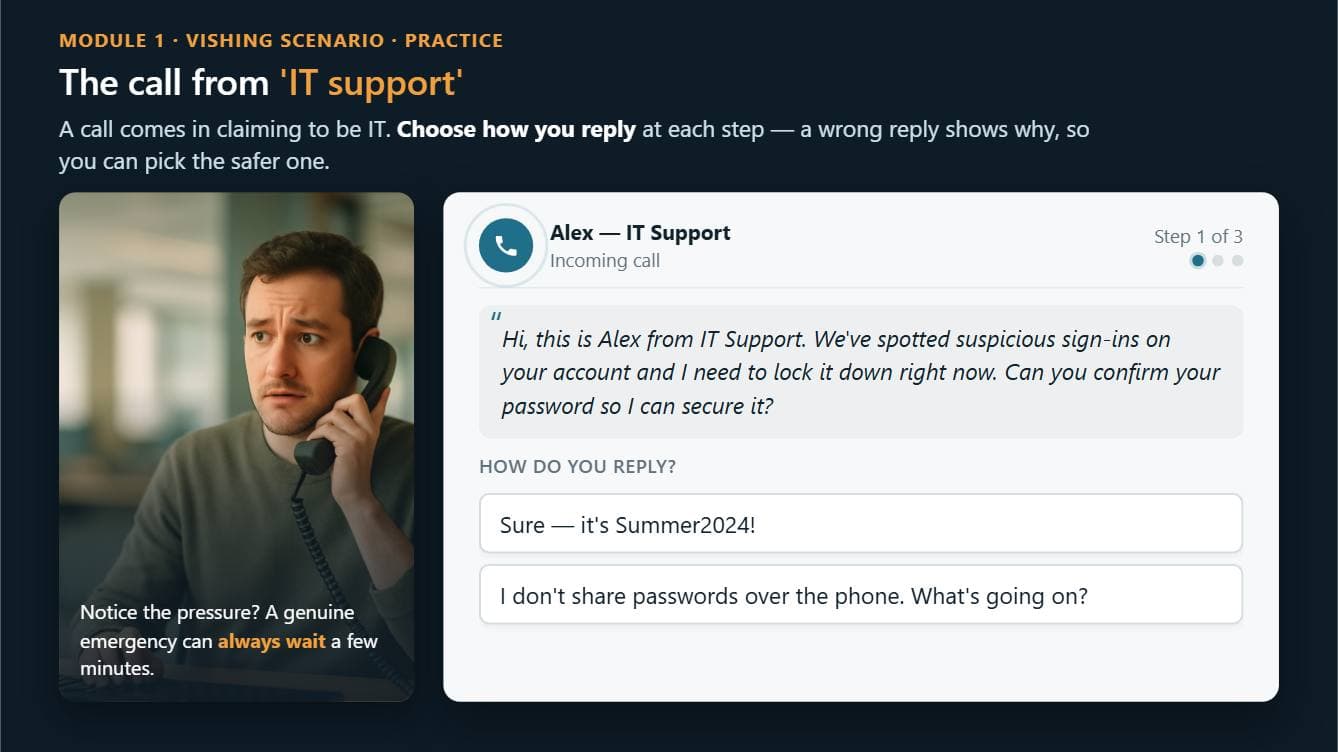
Branching scenario A call from IT support that is not IT support. Every reply leads somewhere different.
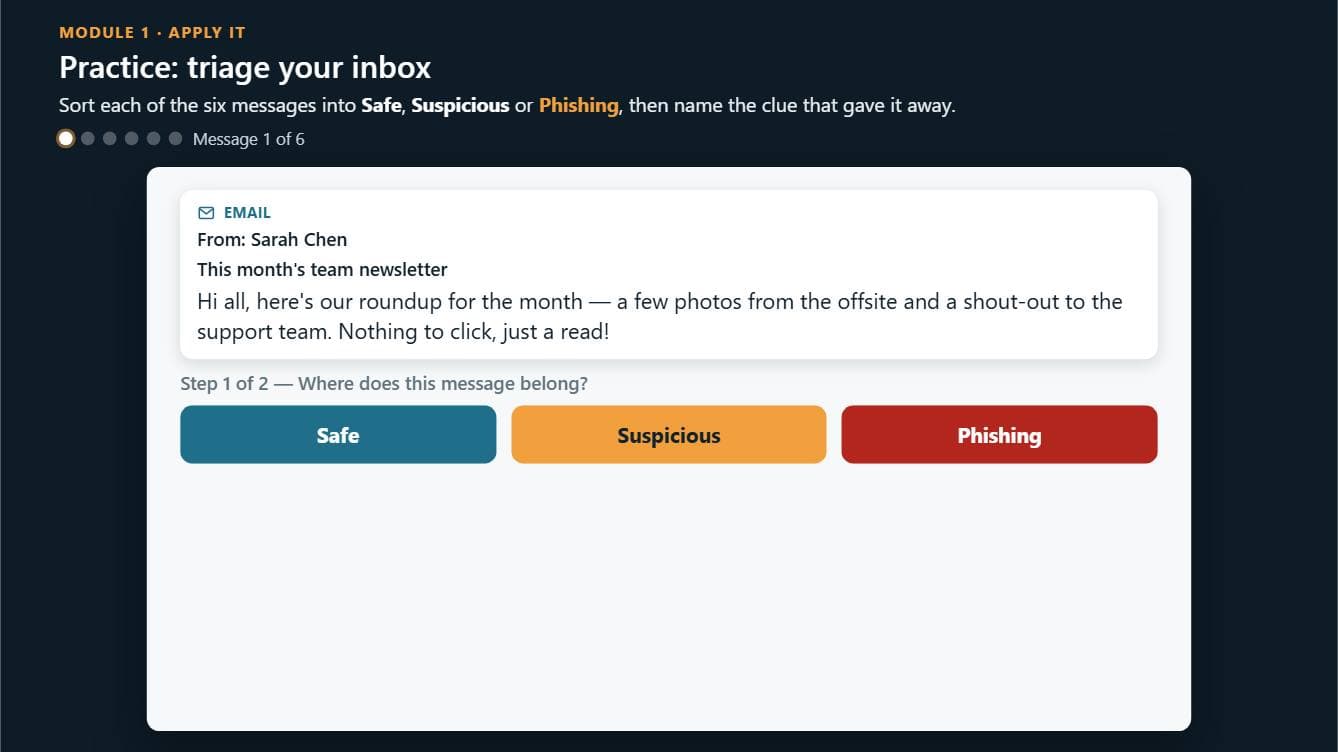
Sort and justify Six messages into Safe, Suspicious or Phishing — then name the clue that gave it away.
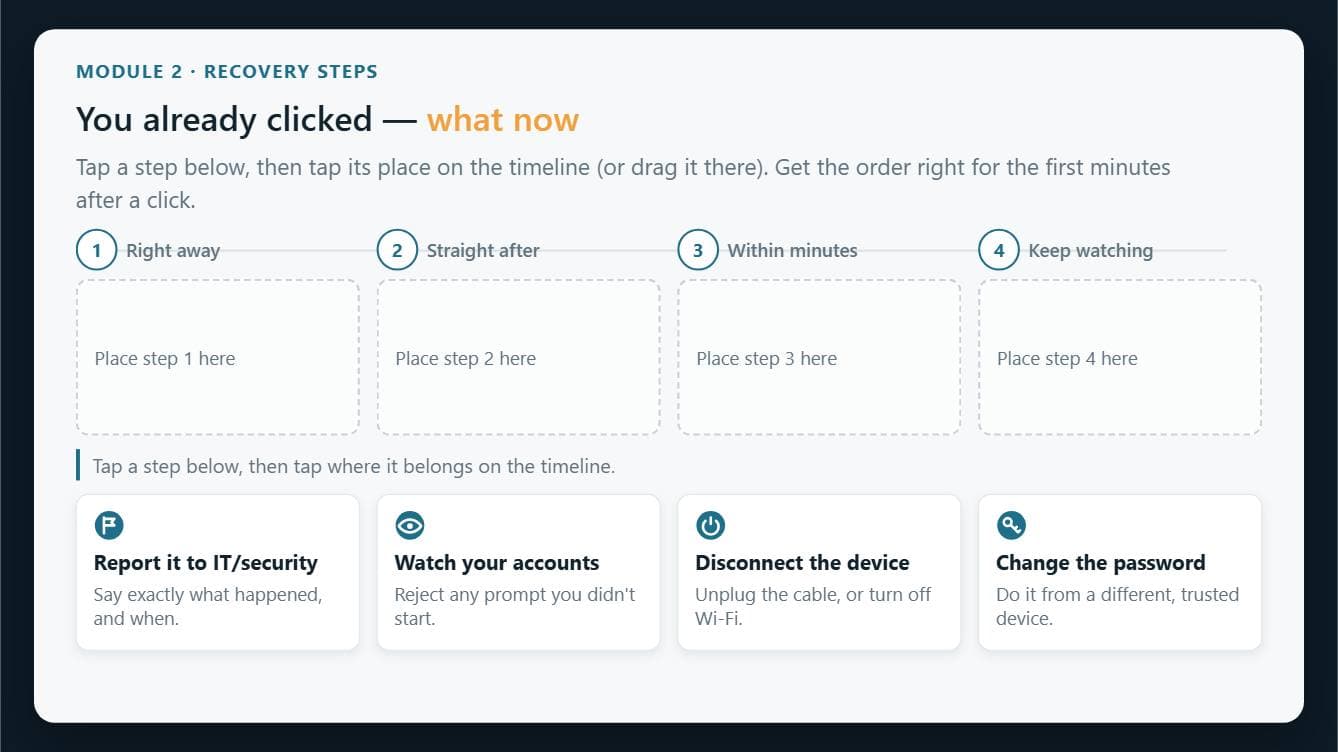
Put it in order The first minutes after a click, dragged onto a timeline.
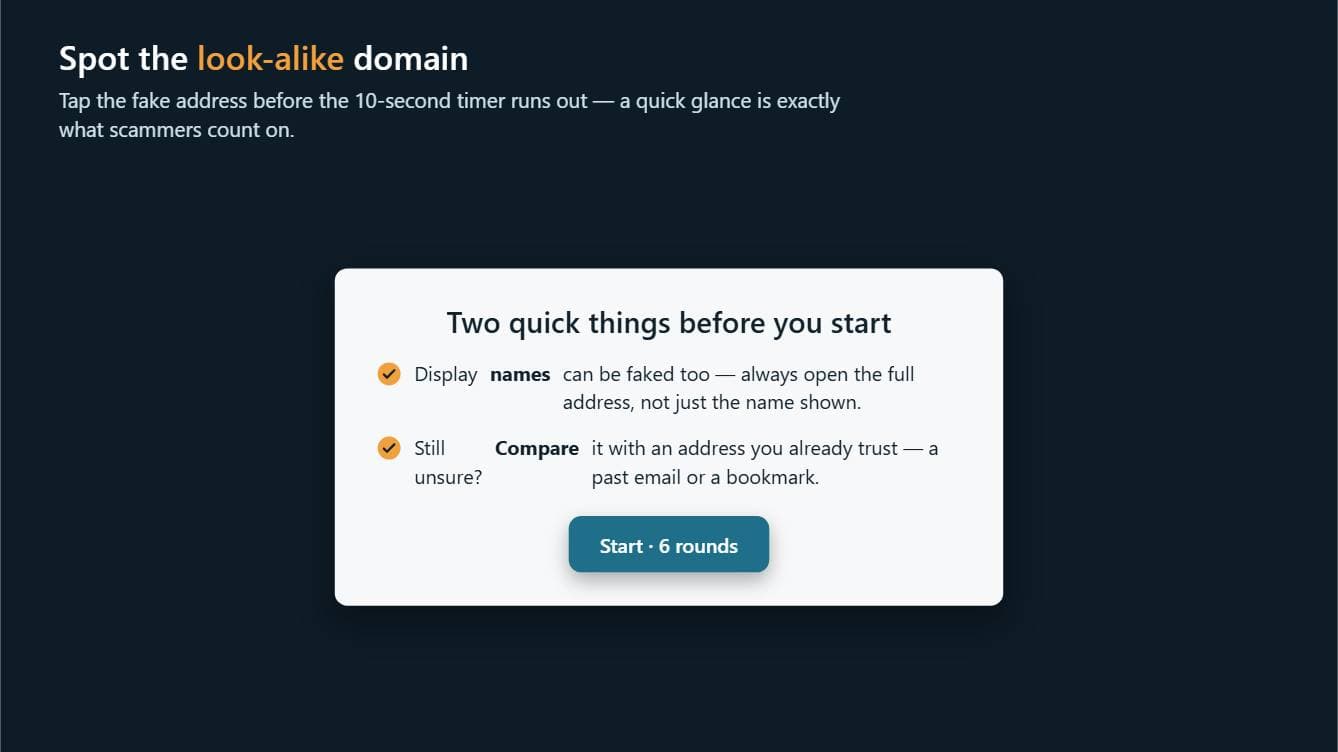
Against the clock Spot the look-alike address before ten seconds run out.
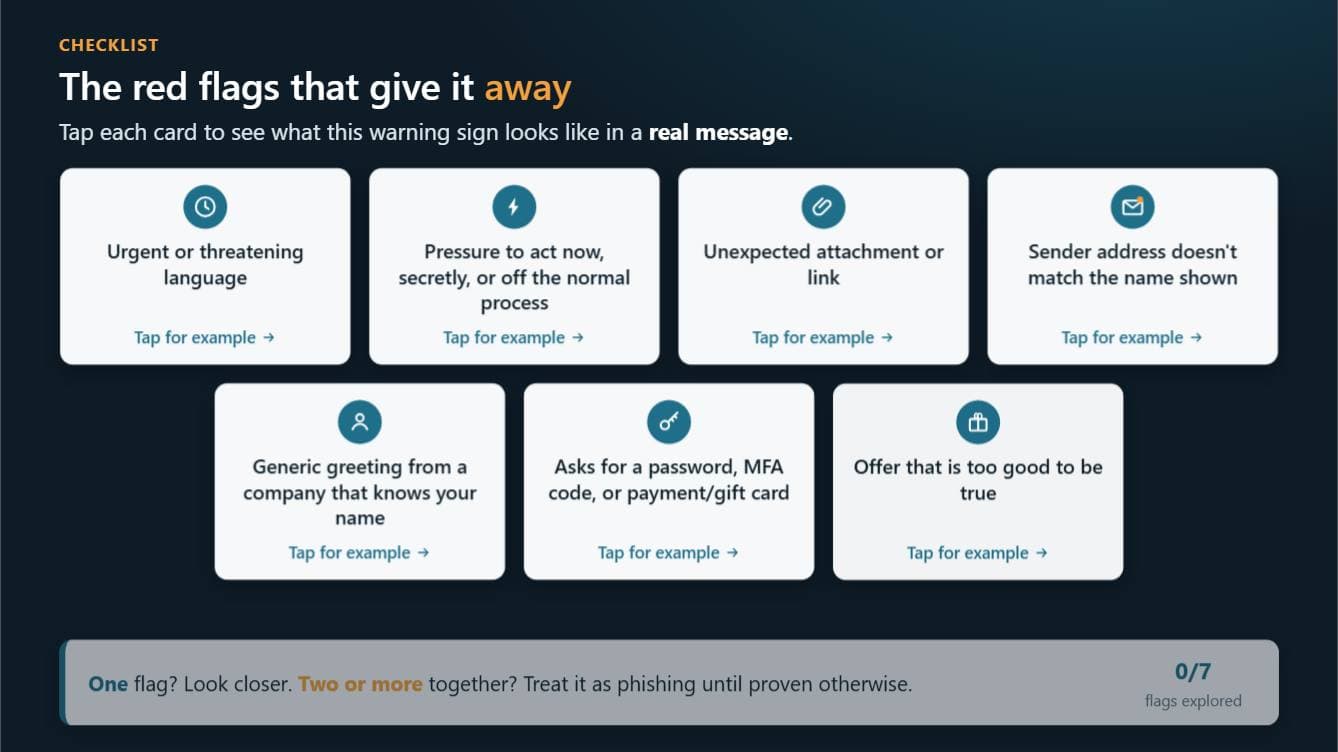
Reveal cards Seven warning signs, each with a real example behind it.
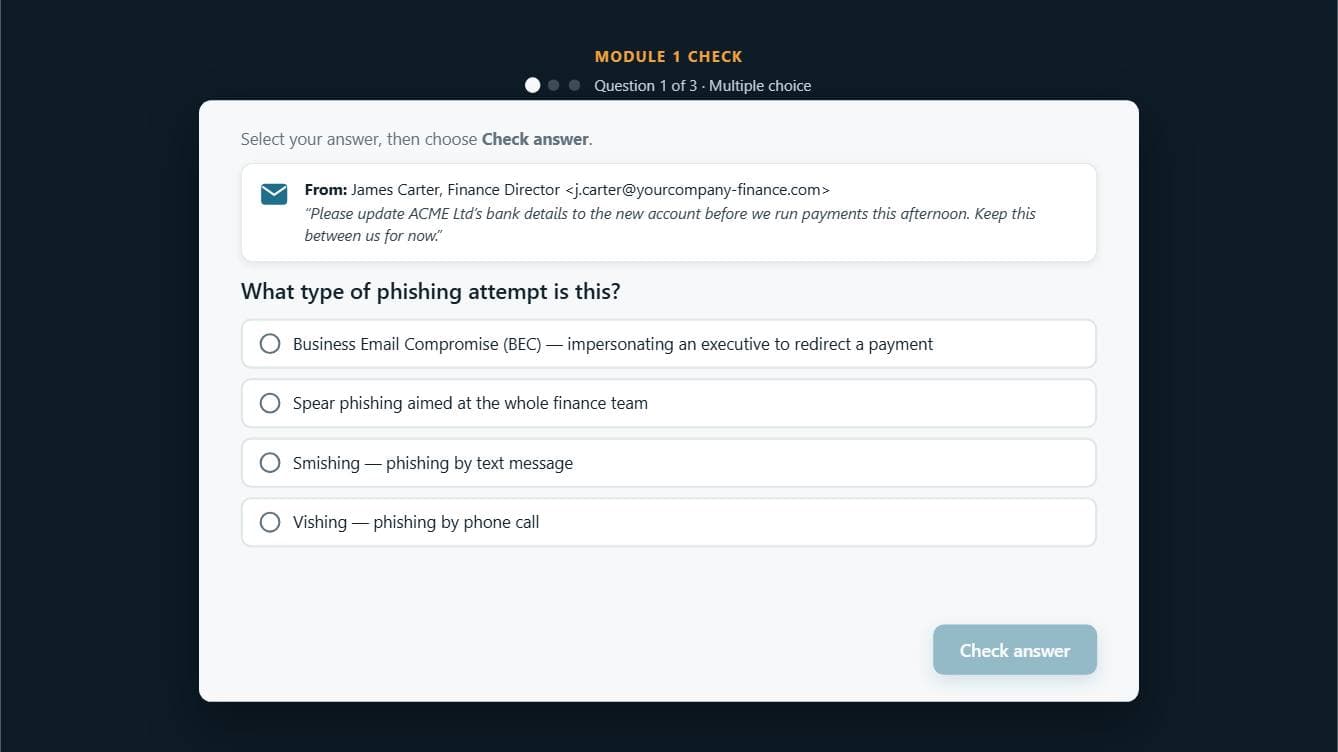
Scored check Feedback for the learner, and every answer sent to the LMS.
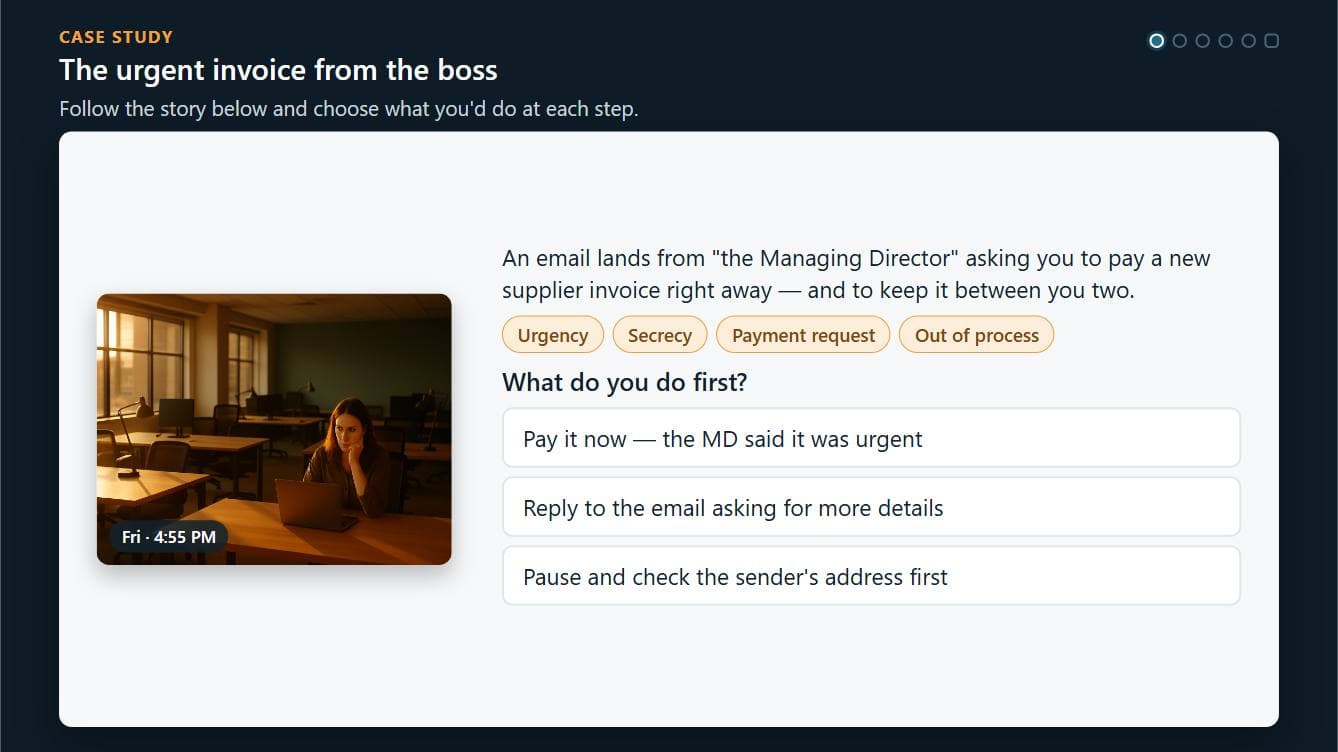
Case study An urgent invoice from the boss, decision by decision.
Unedited screenshots of a generated course. The photographs inside the slides are AI-generated.
One box in. A package out.
No complexity tier to choose, no template to pick, no storyboard to fill in. Watch it happen, or come back when it is done.
- 1
Say what it should cover
One box. A topic and who it is for — or upload the policy, deck or handbook the course has to follow.
- 2
It designs and builds every slide
The plan decides what each slide teaches and whether the learner reads, does, plays or is assessed. Then every slide is designed and built on its own, with its own layout.
- 3
Import the zip
SCORM 1.2 or 2004, checked slide by slide in a real browser before you ever see it. Drop it into the LMS you already have.
You can change your mind at any point
Review the plan before it builds, rewrite it by asking, or change one slide afterwards in the chat. A change that breaks a slide is put back the way it was.
Your LMS hears everything it should.
The part that decides whether a course is worth anything stays invisible until the reports come back empty. Every package is played against a simulated LMS before you download it, and what it reports is checked slide by slide.
- Completed or not, and passed or failed
- Score, against the pass mark you set
- Every question: what was asked, what they answered, right or wrong
- Time spent, and where they stopped
- Half-finished attempts, resumed exactly where they left off
Attempt record
As a conformant LMS stores it
- Completion
- completed
- Score
- 83% (pass mark 70%)
- Time on task
- 41 minutes
- Resume point
- slide 14 of 19
- Answers recorded
- 6 of 6, with the question text
One SCO, so completion is decided by the course rather than left to rollup rules — the commonest reason a course imports cleanly and records nothing.
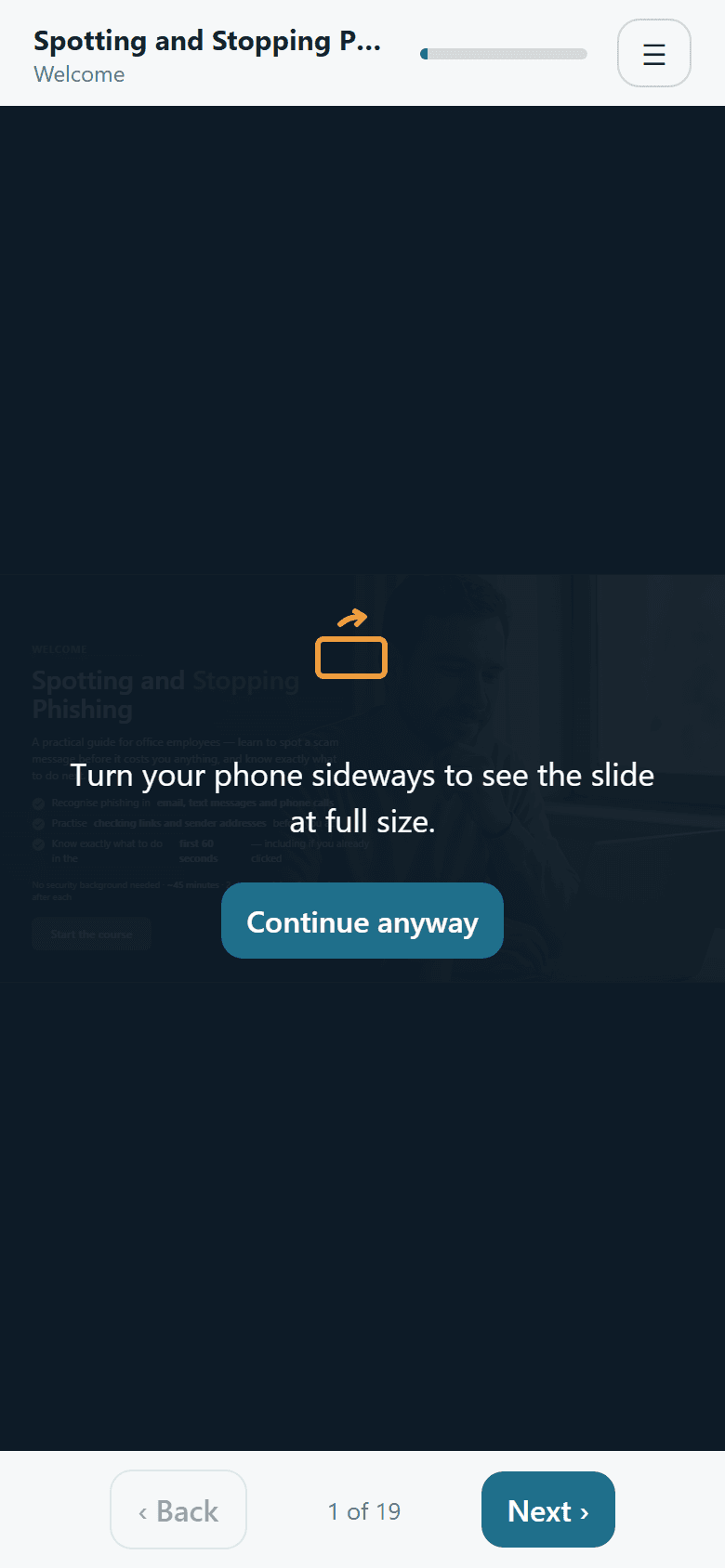
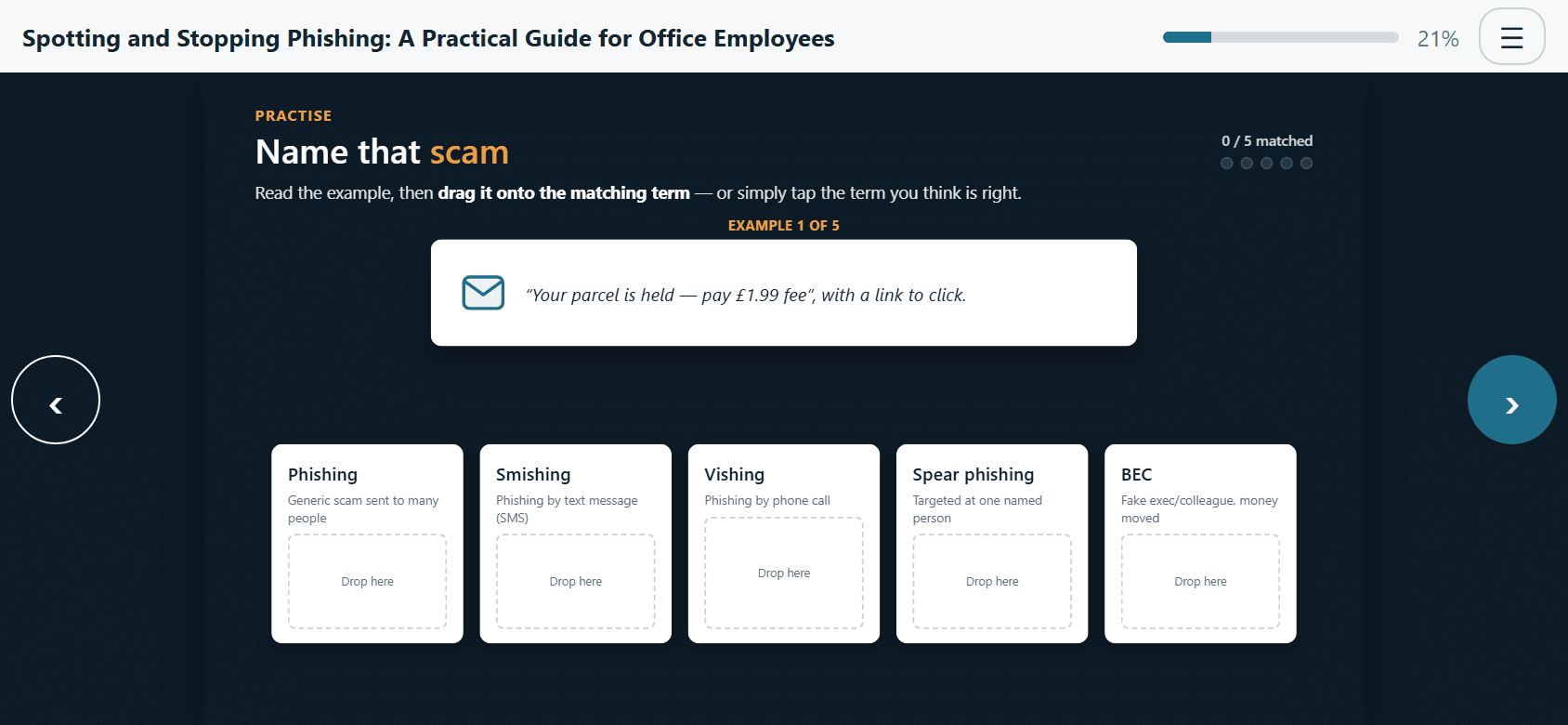
Made for the phone in their pocket.
Slides are built on a fixed stage and scaled to whatever opens them. Held upright, the course asks for a turn; held sideways, the slide takes the whole screen with the controls where thumbs already rest.
- Touch, mouse and keyboard on every activity
- Nothing to install, and no network needed once it is running
- Progress and answers kept if they close it halfway
If it has to land in an LMS, it starts here.
Compliance and HR
Policy and mandatory training people actually finish, with the completion record an auditor asks for.
Learning and development
Turn the deck that already exists into practice, scenarios and assessment — in an afternoon, not a quarter.
Training providers
Produce courses for client LMSs at a cost per course that makes the small jobs worth taking.
What should your people learn next?
Describe it in a sentence. Watch the course get designed. Download a package that imports.
Start building